Getting Started Guide (Quick Setup)
Description
Column Magic is a collection of automation templates and custom automation actions which will enable you to achieve workflows that are impossible with out it's magic. It is divided into four app features.
How to Add:
1. Navigate to the board where you want to add the integration.
2. Click "Integrate" at the top of the board.
3. Search "Column Magic" and select the App.
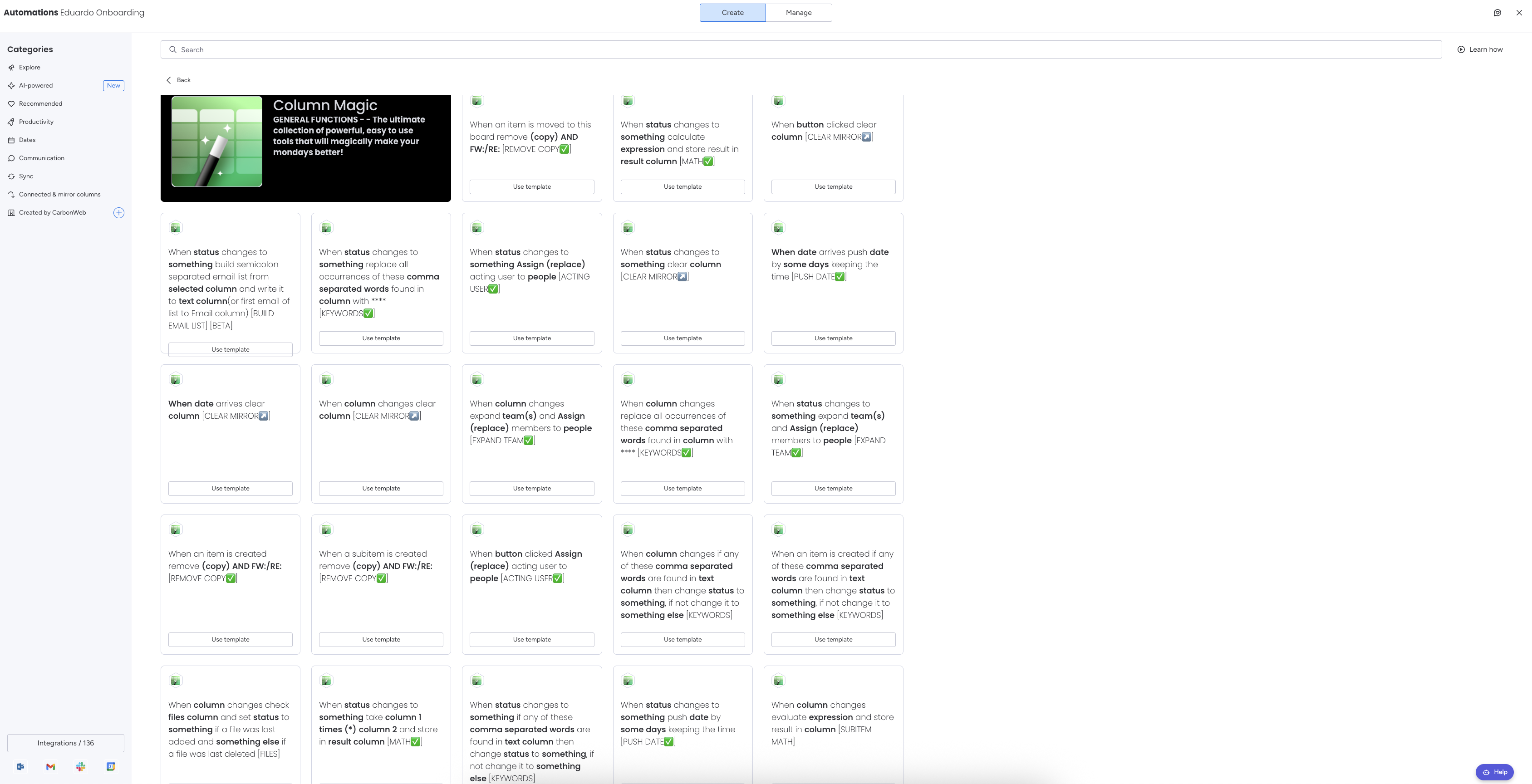
You will see a list of all the "Column Magic" integrations that can be used inside your board. From here, read the different integration recipes and choose the one that best fits your needs!